Report results at the content level
Show the metrics tied to each article, episode, or video.
Give content partners a clear view of how their work performs on your network. Bring the article, podcast, or video data you already prepare into a dashboard showing audience activity, content performance, and recorded revenue where you have it.
14-day free trial. No credit card required.
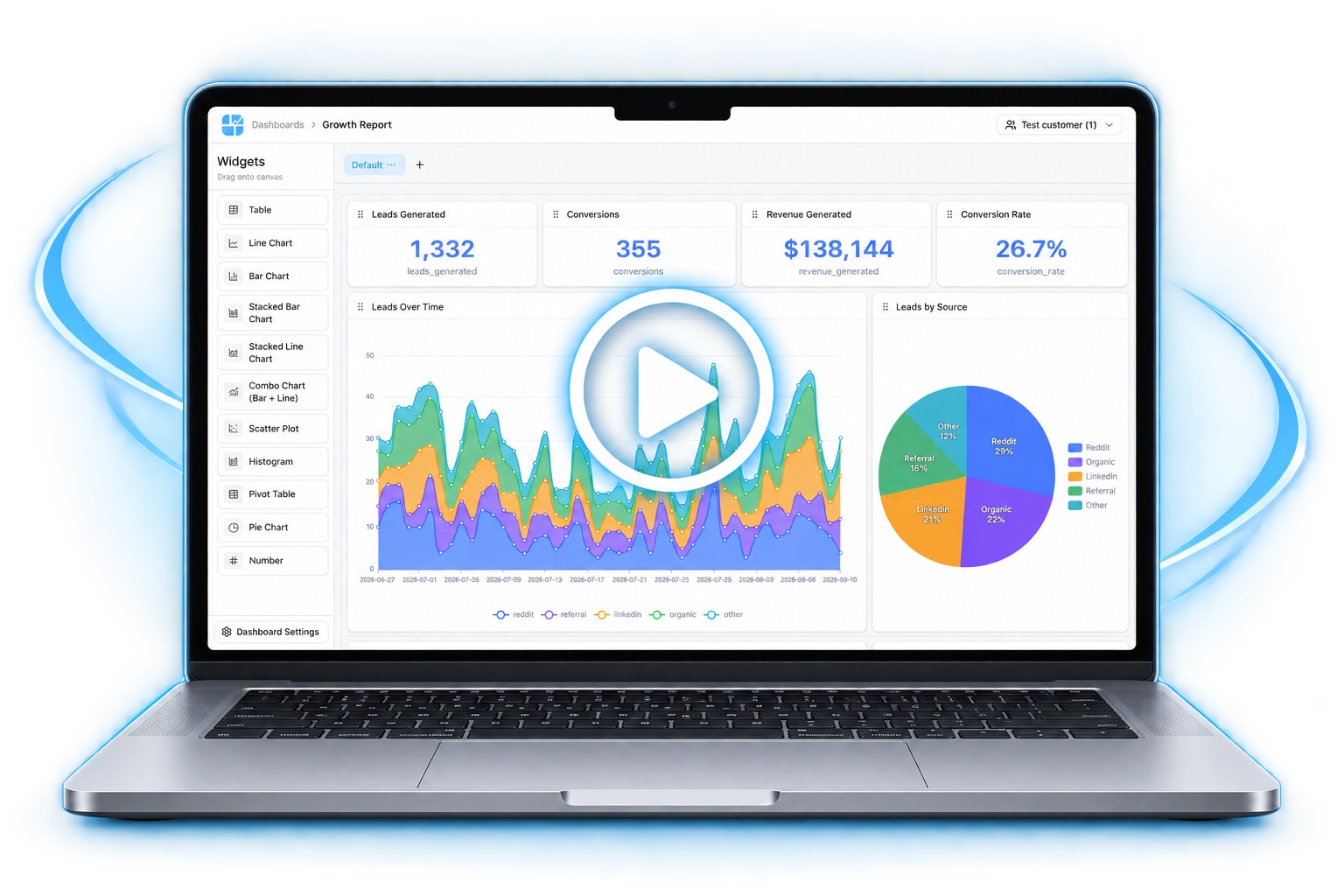
How their work performed. Not how the ad inventory filled.
Show the metrics tied to each article, episode, or video.
Present performance over time, and label views, downloads, and listening separately.
Share recorded revenue or revenue-share amounts from your source data.
Connect the data you already keep, build the report once, and give each account a login.
Audience and revenue rows need a partner identifier.
Their catalog, the trend, and any recorded revenue.
They see their content only.
Built from the records you connect. These are the reports you can build from the records you connect.
The partner's articles, episodes, or videos, ranked by the metric you define.
Views, downloads, or listens, labeled for the medium.
Amounts your reports already include, when they do.
Page views and podcast downloads stay distinct.
Content and audience, not ad operationsInventory, fill rate, and ad delivery belong on the ad network reporting page. Unlike measures, such as page views and downloads, should stay clearly labeled.
Yes, from datasets you prepare. Keep unlike measures, such as page views and podcast downloads, clearly distinguished.
No. Those belong on the ad network reporting dashboard. This page is content and audience performance.
Give content partners a clear view of how their work performs on your network.
14-day free trial. No credit card required.